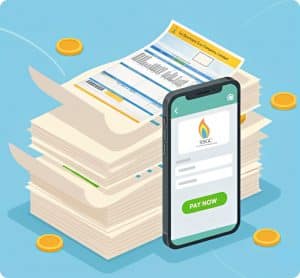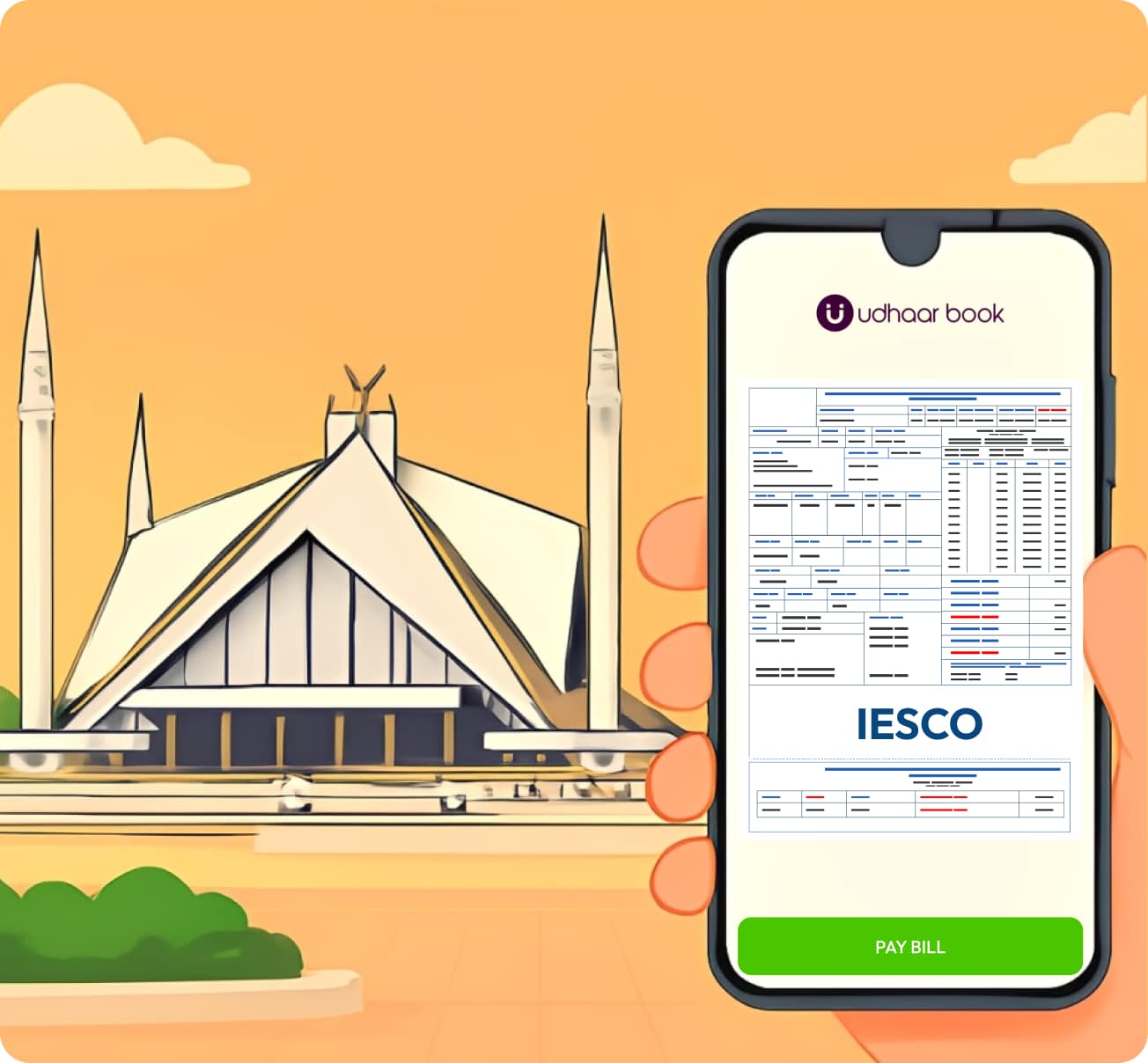
Paying your electricity bills has never been easier, thanks to digital solutions like Udhaar Book. For residents of Islamabad, Rawalpindi, and surrounding areas, knowing how to pay IESCO bill online can save time, reduce hassle, and even help you earn rewards with every transaction.
In this guide, we’ll cover everything about IESCO online billing, from checking your bill to making secure payments through Udhaar Book, and answer common questions users have about IESCO bill pay.
Step-by-Step Guide: How to Pay IESCO Bill Online Using Udhaar Book
Here’s a simple guide to paying your IESCO bill online through Udhaar Book:
Step 1: Download and Install Udhaar Book
- Available on Android and iOS.
- Sign up with your mobile number or email.
Step 2: Log In and Access Bill Payments
- Open the app and navigate to the “Bill Payments” section.
- Select IESCO from the list of utility providers.
Step 3: Enter Your Customer Number
- Enter your IESCO reference number or account number.
- Click on “Fetch Bill” to see your current electricity charges.
Step 4: Review Your Bill
- Check the bill amount and due date.
- You can also view past IESCO bills for record-keeping.
Step 5: Make Payment
- Choose your preferred payment method (bank card, UBL, HBL, or wallet balance).
- Confirm the payment.
Step 6: Receive Instant Confirmation
- Your payment will be processed instantly.
- You can download a digital receipt for future reference.
- You also earn rewards for every bill payment through Udhaar.pk.
What is IESCO and How Does Billing Work?
The Islamabad Electric Supply Company (IESCO) is responsible for providing electricity to millions of customers in Islamabad, Rawalpindi, and nearby regions. IESCO billing is generated monthly, reflecting your electricity consumption. Traditionally, customers had to pay at bank counters or designated offices, but with the rise of online platforms, you can now easily check IESCO bill online and pay your bills from the comfort of your home.
How to Check IESCO Bill Online
If you’re wondering how to check IESCO bill online, here are your options:
- Through Udhaar Book: Simply enter your customer number and view your current bill instantly.
- IESCO Official Website: Visit the IESCO online billing portal and input your reference number.
- Mobile Banking Apps: Many banks now offer IESCO bill inquiry features.
Checking your bill before paying ensures accuracy and helps you avoid late fees.
Why Choose Udhaar Book for IESCO Bill Payments?
Among the numerous options available for paying electricity bills, Udhaar Book stands out for its simplicity, reliability, and extra benefits:
-
- All-in-One Utility Payments: Pay IESCO bills along with WAPDA, gas, and water bills.
- Earn Rewards: Every payment you make through Udhaar.pk earns you cashback or rewards points.
- Secure Transactions: Udhaar Book ensures your payments are safe, encrypted, and fast.
- Instant Bill Access: Easily check IESCO bill online anytime without visiting physical offices.
Payment Options for IESCO Bills
When it comes to IESCO bill payment, there are multiple options available:
1. Bank Payment
- Pay at HBL, UBL, or other partner banks.
- Traditional method but requires visiting the branch or using mobile banking.
2. 1Bill Portal
- 1Bill allows you to pay IESCO bills online.
- Quick, but limited reward options compared to Udhaar Book.
3. Udhaar Book App
- Simplest method with added benefits.
- Supports multiple payment gateways and rewards users for every transaction.
Benefits of Paying IESCO Bills Online
Online bill payments save time, ensure convenience, and offer additional perks:
- Instant Payment: Avoid queues at bank counters.
- Secure Transactions: Payments are encrypted and verified.
- Rewards & Cashback: With Udhaar Book, every transaction helps you earn.
- Digital Records: Keep a history of all electricity bills and payments for easy tracking.
Common Questions About IESCO Bill Payments
Here are some frequently asked questions about paying IESCO bills online:
1. How to Pay IESCO Bill Online HBL?
- Log in to the HBL mobile app or internet banking.
- Go to the bill payment section.
- Select IESCO, enter your customer number, and pay.
2. How to Pay IESCO Bill UBL?
- Use UBL’s mobile app or internet banking.
- Choose IESCO from the utility payments menu.
- Enter your account number and complete the transaction.
3. How to Pay IESCO Bill Through 1Bill?
- Visit the 1Bill website or mobile app.
- Select IESCO from the list of utility providers.
- Enter the account number and pay online.
4. How Can I Check IESCO Bill Online?
- Use Udhaar Book or the official IESCO portal.
- Enter your customer reference number to view your current and past bills.
5. Can I Pay IESCO Bill From Anywhere?
Yes! With Udhaar Book, HBL, UBL, or 1Bill, you can pay your IESCO bill online from any location in Pakistan.
Additional Tips for IESCO Bill Payments
- Pay Before Due Date: Avoid late fees by checking the due date on your IESCO bill.
- Save Digital Receipts: Keep digital proof of payment for record-keeping.
- Monitor Electricity Usage: Reviewing your IESCO online billing history can help manage electricity consumption.
- Earn Rewards: Always use platforms like Udhaar Book to maximize cashback or reward points.
Conclusion
Knowing how to pay IESCO bill online has made life much easier for residents in Islamabad and surrounding areas. Platforms like Udhaar Book simplify the process, offer secure transactions, and even let you earn rewards with every payment. Whether you want to check IESCO bill online, pay your electricity bills, or manage multiple utilities in one place, Udhaar Book is the go-to solution for hassle-free and rewarding digital payments.
Download Udhaar Book today and pay your IESCO and other utility bills instantly while earning rewards on every payment!