Paying your SNGPL bill online has never been easier. With the rise of digital payment solutions, users can now settle their gas bills quickly, safely, and even earn rewards while doing so. One of the most convenient apps for this purpose is Udhaar Book, which not only allows you to pay SNGPL bill online but also lets you manage multiple utility payments, invoices, and accounting—all from a single platform.
In this guide, we will walk through every detail you need to know, from paying your SNGPL bill after the due date to using credit cards or installments.
How to Pay SNGPL Bill Online Using Udhaar Book
Here’s a simple step-by-step process to pay SNGPL bill online via Udhaar Book:
- Download Udhaar Book
Download the app from the Google Play Store or App Store. It is lightweight, secure, and user-friendly. - Create an Account
Sign up using your mobile number and verify it via OTP. - Add Your SNGPL Account
Enter your consumer ID from the SNGPL bill. The app will fetch your current bill automatically. - Choose Payment Method
Select your preferred payment option: debit/credit card, bank transfer, or mobile wallet. Udhaar Book also supports paying in installments if needed. - Confirm Payment
Review the bill amount and payment method. Tap “Pay Now” to complete the transaction. - Earn Rewards
With every bill you pay, Udhaar Book gives you points or cashback that can be redeemed on future payments or services. - Receive Confirmation
You will receive an instant confirmation receipt in the app and via SMS/email for record-keeping.
Using Udhaar Book simplifies the process, eliminates late fees, and ensures users never miss a due date.
What is SNGPL?
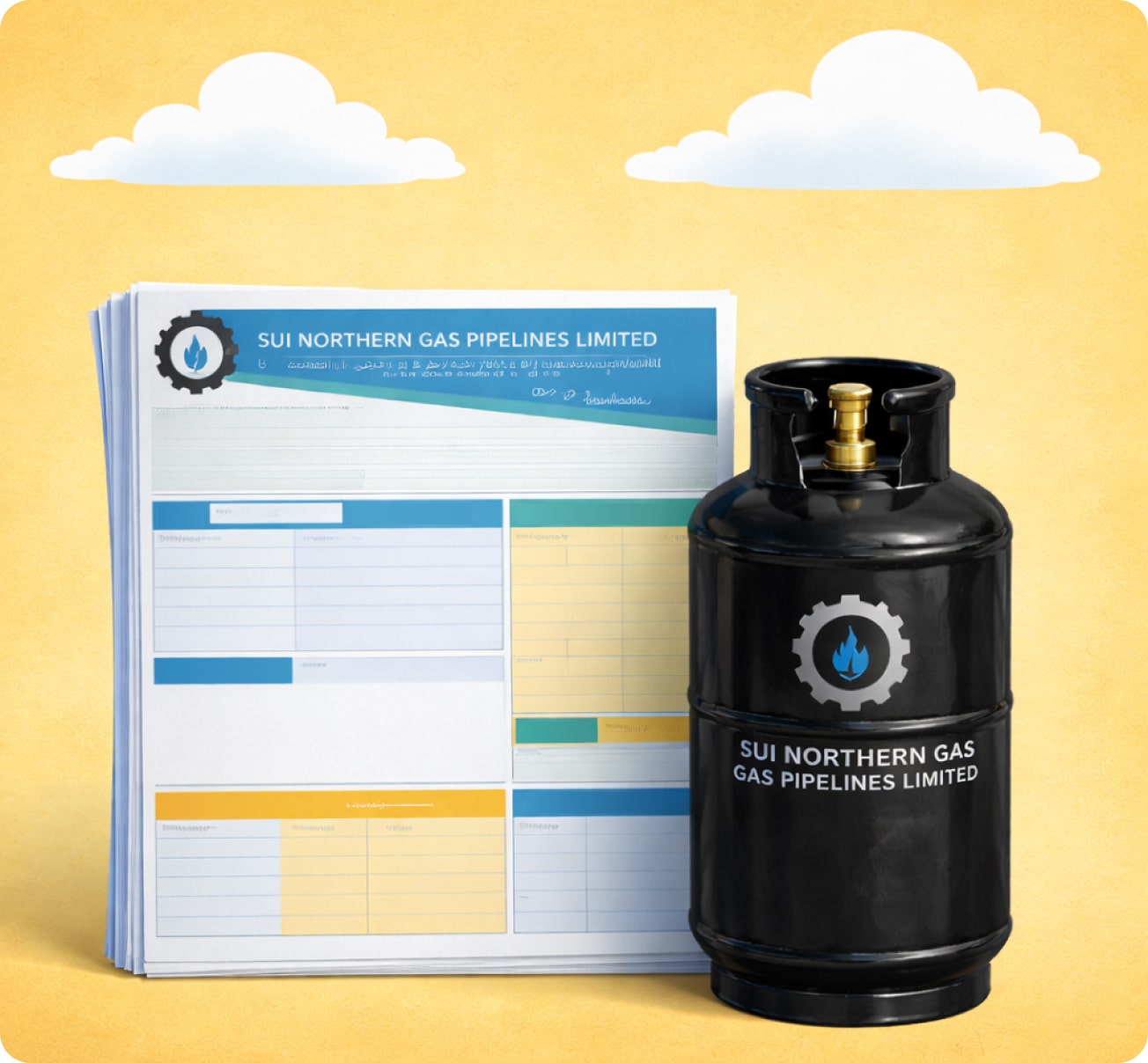
The Sui Northern Gas Pipelines Limited (SNGPL) is one of Pakistan’s largest natural gas distribution companies. It provides gas to residential, commercial, and industrial consumers across multiple regions.
Each month, consumers receive a SNGPL bill detailing gas consumption and the amount due. Timely payments are crucial to avoid service interruptions or late fees.
Why Pay SNGPL Bill Online?
Online bill payment offers several advantages over traditional methods. Here’s why users prefer digital payments:
- Convenient 24/7 access to bill payments
- Avoid long queues at SNGPL offices
- Quick processing and instant confirmation
- Option to pay through multiple channels: debit/credit cards, bank transfers, and mobile wallets
- Ability to track payment history and manage bills digitally
- Earn rewards and cashback with apps like Udhaar Book
With digital platforms like Udhaar Book, paying your SNGPL bill online is not just convenient—it can be rewarding.
How to Pay SNGPL Bill After Due Date
Missing a payment deadline can result in fines and service interruptions. With Udhaar Book, you can still pay your SNGPL bill online after the due date. The steps are similar:
- Log into your Udhaar Book account.
- Select “SNGPL Bill Payment” and enter your consumer ID.
- The app will display the total payable amount, including any late fees.
- Proceed with payment using your preferred method.
- Save your receipt for confirmation.
This ensures that even delayed payments are processed securely and immediately.
How to Pay SNGPL Bill Through Credit Card
Many users prefer credit card payments for convenience and added rewards. Udhaar Book allows SNGPL bill payments via credit card:
- Add your credit card in the app’s secure wallet section
- Select “SNGPL Bill Payment”
- Enter your consumer ID and bill details
- Confirm payment and receive instant receipt
Credit card payments may also earn bank-specific rewards or cashback, adding further value.
How to Pay SNGPL Bill in Installments
Some users may find it challenging to pay the full SNGPL bill at once. Udhaar Book allows installment payments, spreading the total bill across multiple months without penalties. To do this:
- Open the SNGPL bill section in Udhaar Book
- Choose “Pay in Installments”
- Select the number of installments and review the schedule
- Confirm and automate monthly payments
This feature helps manage finances efficiently while ensuring gas supply continuity.
How to Pay SNGPL Demand Notice Online
A SNGPL demand notice is issued when previous bills remain unpaid. Udhaar Book makes it easy to pay SNGPL demand notice online:
- Log into Udhaar Book
- Enter the consumer ID associated with the demand notice
- The app calculates the total including penalties
- Pay instantly and receive confirmation
This reduces stress and ensures the notice is cleared without visiting SNGPL offices.
Other Benefits of Using Udhaar Book
Apart from paying your SNGPL bill, Udhaar Book offers several additional advantages:
- Pay Multiple Utility Bills: Gas, electricity, water, and mobile top-ups
- Track Payments: Maintain a digital ledger of all paid bills
- Earn Rewards: Get points with every transaction
- Invoice & Accounting Management: Ideal for small businesses and households
- Secure Transactions: End-to-end encrypted payments
With Udhaar Book, users not only pay bills but also manage finances smarter.
Tips to Manage Your SNGPL Bills Effectively
- Enable Reminders: Receive alerts before the due date.
- Automate Payments: Set recurring payments via Udhaar Book.
- Check Bills Carefully: Ensure correct meter readings and charges.
- Avoid Late Payments: Even small delays can result in penalties.
- Use Rewards: Redeem points earned from Udhaar Book to save on future bills.
Following these steps ensures smooth utility management without stress.
FAQs About Paying SNGPL Bill Online
- How can I pay SNGPL bill online?
You can pay SNGPL bill online easily using Udhaar Book. Download the app, enter your consumer ID, choose a payment method, and confirm payment. - Can I pay SNGPL bill after the due date?
Yes, Udhaar Book allows users to pay bills even after the due date, including any late fees. - Is it possible to pay SNGPL bill via credit card?
Absolutely. Udhaar Book supports credit card payments securely, along with other payment options. - How can I pay SNGPL bill in installments?
Installment payments can be set up in Udhaar Book by selecting “Pay in Installments” and choosing the preferred schedule. - What is a SNGPL demand notice and how do I pay it?
A demand notice is issued for unpaid bills. You can pay it online via Udhaar Book by entering the consumer ID and confirming the amount. - What is SNGPL?
SNGPL stands for Sui Northern Gas Pipelines Limited, responsible for distributing natural gas to consumers in northern Pakistan. - How can I check my consumer bill SNGPL?
Consumer bills can be checked directly in Udhaar Book after adding your consumer ID, or via the SNGPL official portal. - Are online payments safe?
Yes. Udhaar Book uses encrypted payment gateways to ensure complete security for all transactions. - Can I earn rewards by paying my SNGPL bill?
Yes. Every bill payment through Udhaar Book gives you points or cashback that can be used for future payments. - Can I pay multiple utility bills in one place?
Udhaar Book supports payments for gas, electricity, water, and mobile top-ups, making it a one-stop financial app.
Final Thoughts
Paying your SNGPL bill online is not only faster and more convenient but also comes with benefits like rewards, digital tracking, and secure transactions. Udhaar Book emerges as the best platform to pay SNGPL bill online, whether you want to settle your bill after the due date, use a credit card, or pay in installments. By adopting this method, users ensure hassle-free bill management, earn rewards, and stay in control of their utilities.
Start managing your bills smarter today—download the Udhaar Book app and experience the easiest way to pay SNGPL bill online while earning rewards with every payment.